
Master Your Experience: A Comprehensive Guide for Seamless Navigation
Your HK Watch User Guide
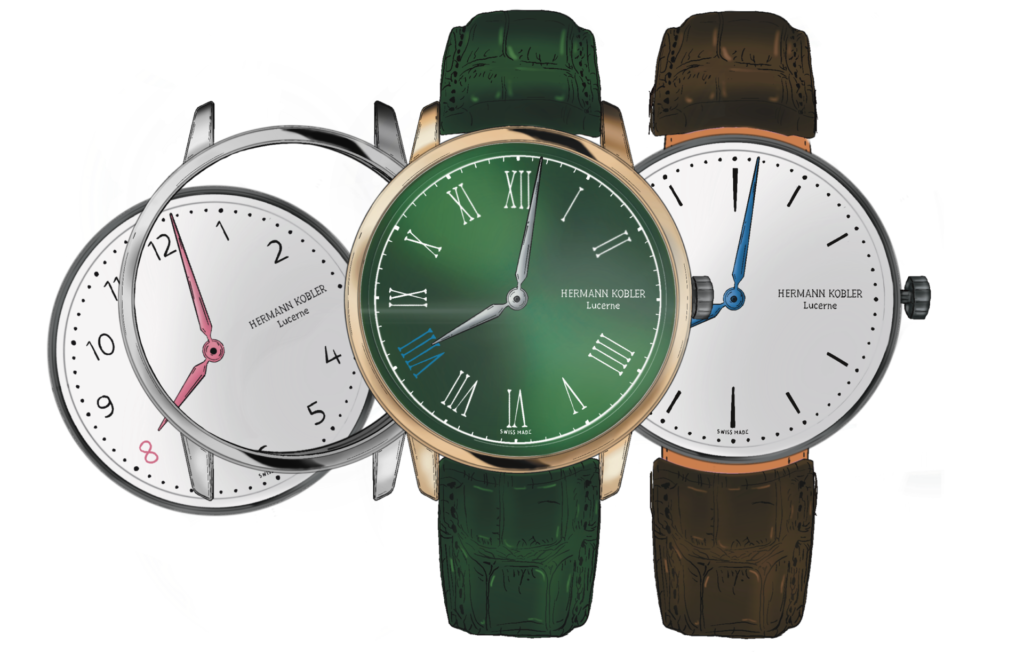
Welcome to the world of modular sophistication with our exceptional timepieces. Discover the art of personalisation as you navigate through the user guide for our modular watches. Seamlessly blend style and innovation, exploring the endless combinations that reflect your unique identity. Unveil the essence of our craftsmanship and unleash your creativity with a watch that adapts to your every moment. Welcome to a journey of limitless possibilities—your time, your design.
exchange the
time capsula
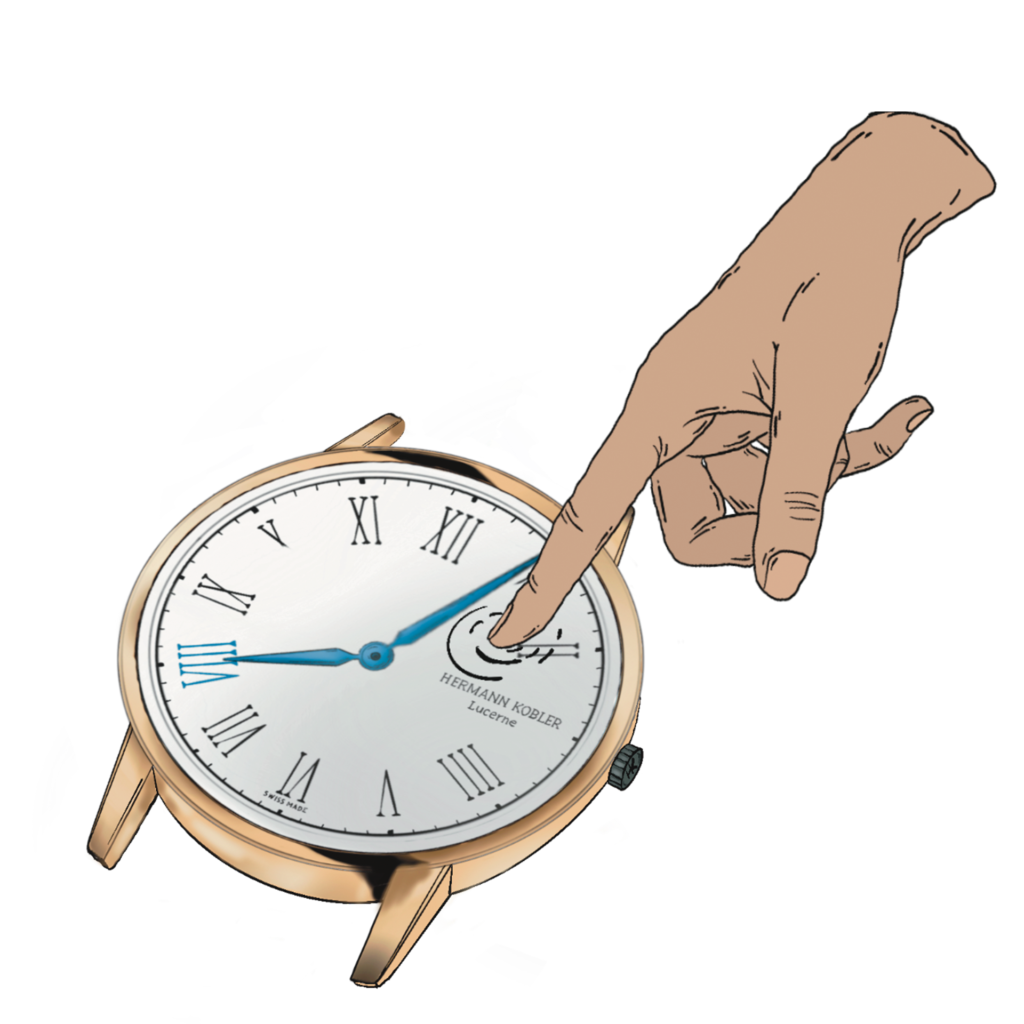
Step 1: Push gently with your fingers on the glass of the Time Capsula
Step 2: The Time Capsula will drop out
Step 3: Chose the Time Capsula of choice
Step 4: Push gently from below with your fingers the chosen Time Capsula into the outer case
IMPORTANT: Align the slot of the outer case with the crown of the Time Capsula
Step 5: Now you are ready
Adjusting
time
Position 1: Watch is running (normal position)
Position 2: Setting the time (watch stopped)
Step 1: Pull the crown out to Position 2 (watch stops)
Step 2: Turn crown clockwise to set desired time
Step 3: Push the crown back to Position 1
Step 4: The watch is all set
IMPORTANT: After every operation, the crown must be pushed to position 1
exchanging
strap
To do this, you must hold the head of the watch (face down) in one hand while the bottom of the strap is facing you in the other hand.
Step 1: To remove your strap, pull the pin to the side and remove the strap from the fasteners
Step 2: To attach your strap, align the pins with the holes in the pins and click the strap to place it
Adjusting
Metal Strap
Step 1: Lift the locking part with the strap tool (a small screwdriver is sufficient)
Step 2: Slide the buckle along the strap to adjust the size. The back strap has cavities for different buckle options
Step 3: When the correct size is set, push the locking piece down
AN INTRODUCTION TO THE HK-WATCH BOX
1st LAYER
Space for up to four additional Time Capsulas (layer can be removed)
2nd LAYER
Space for the 2 Year International Warranty Card, cleaning cloth as well as additional watch cases, watch straps, and/or further Time Capsulas
3rd LAYER
Watch pillow for one HERMANN KOBLER WATCH




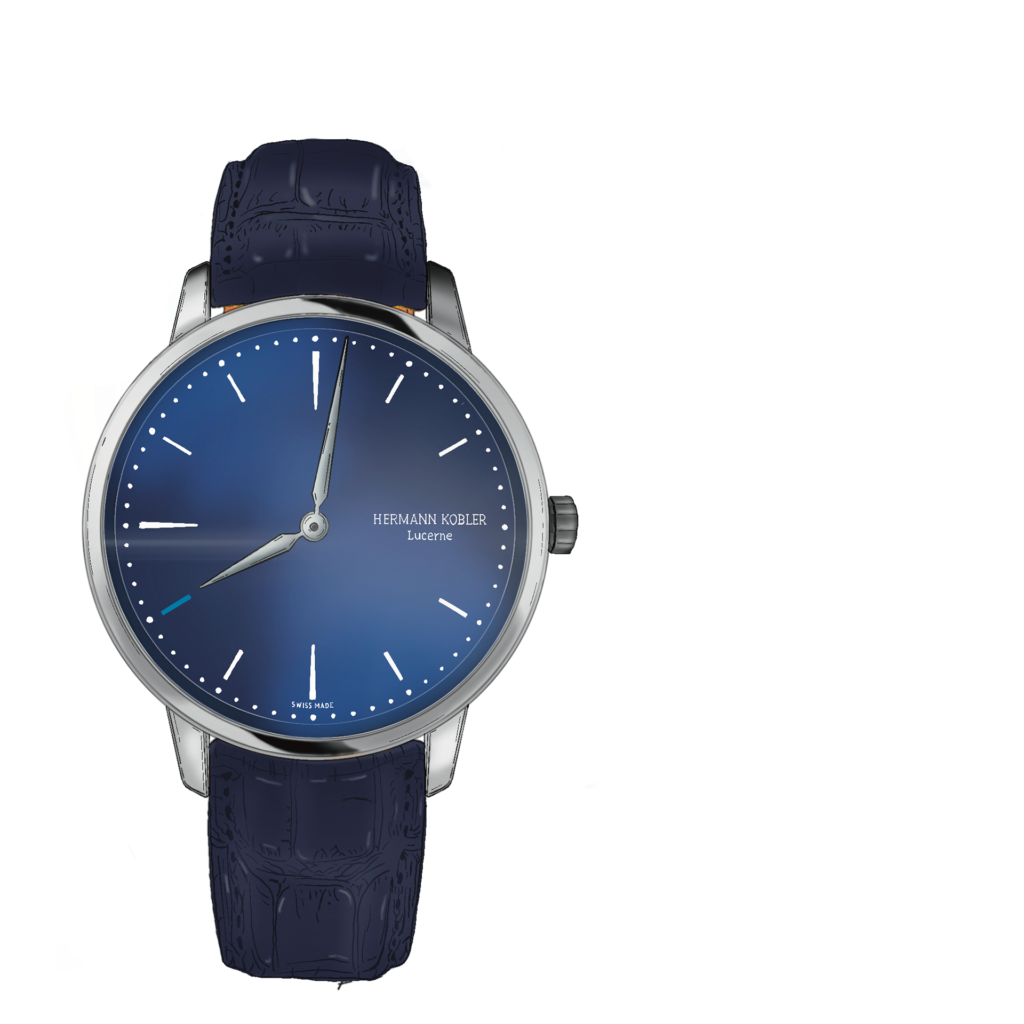
the idea behind our usp
about our modular system
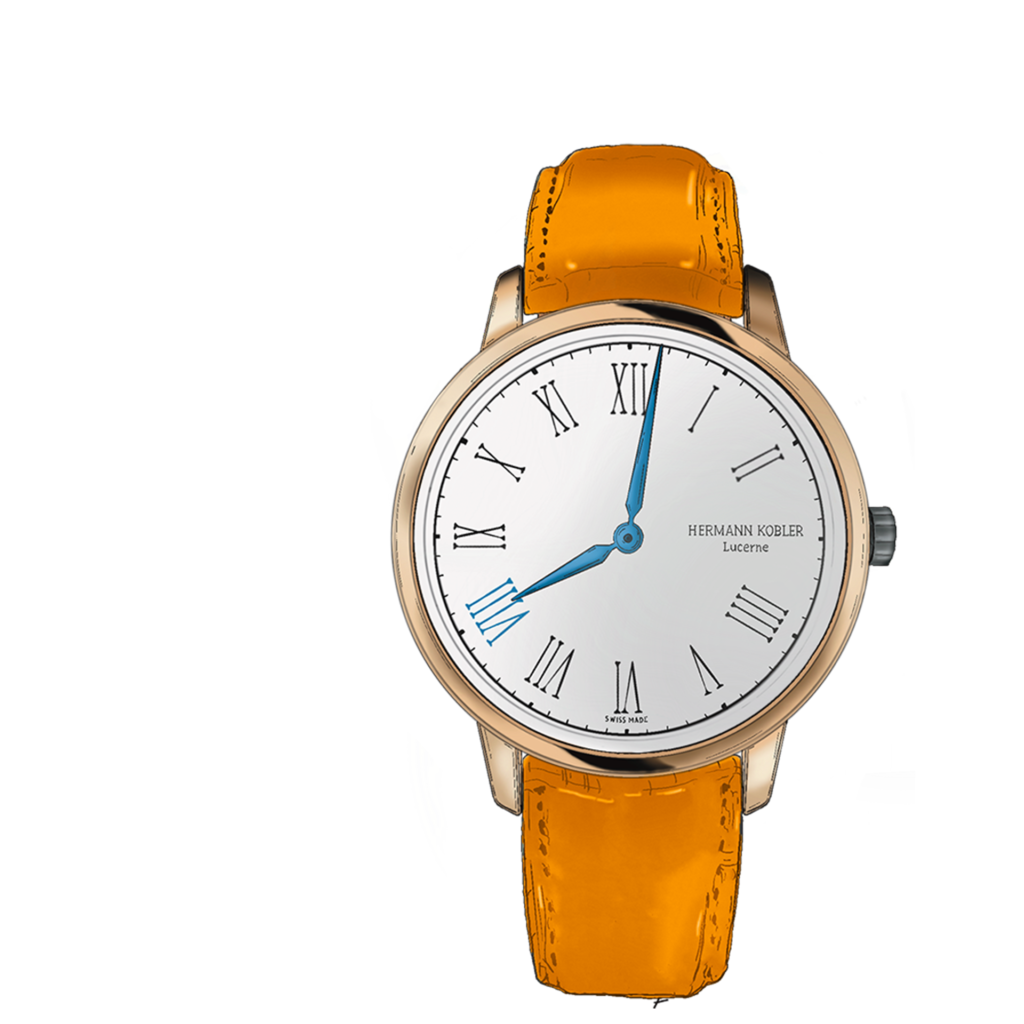
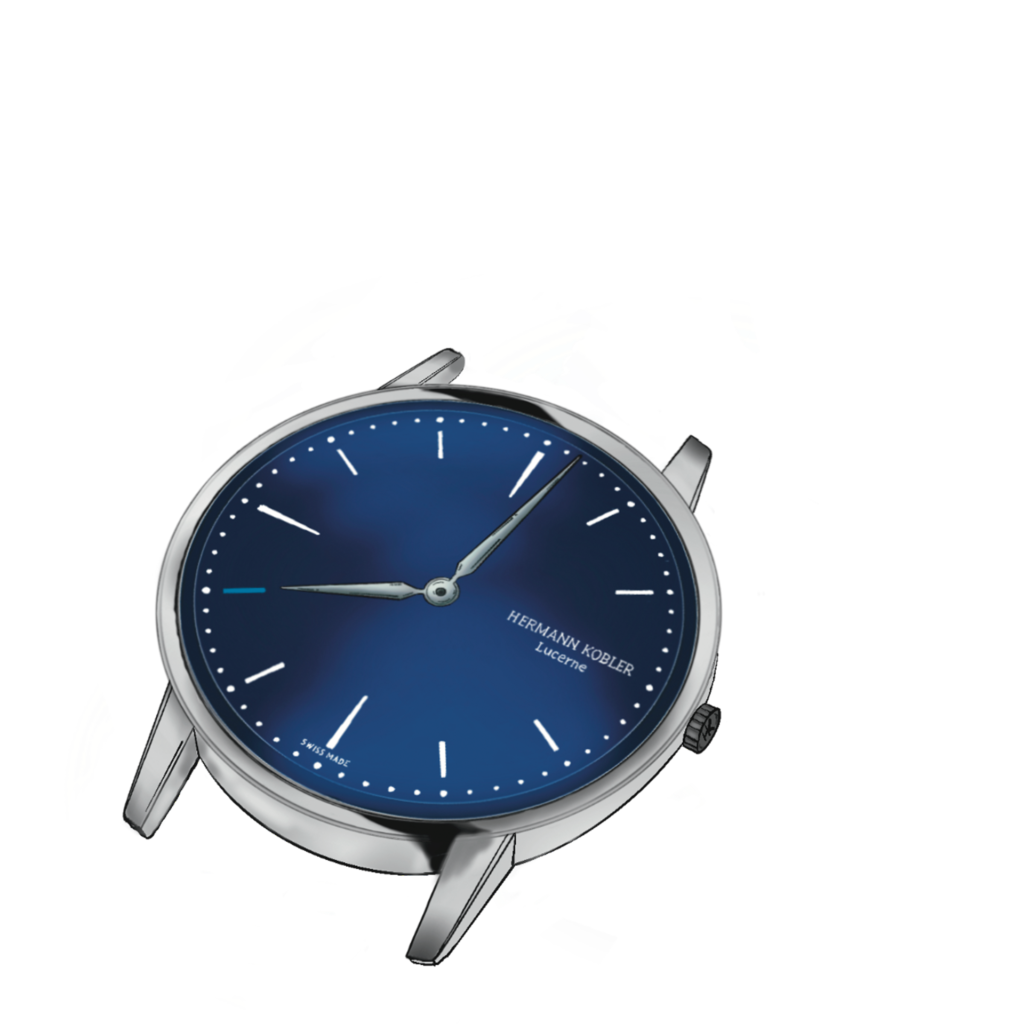
Discover a world of limitless options (>29,092), all within your reach. With a simple push of your fingertips, our watch adjusts to match your individual taste. Embrace infinite self-expression with each change.
Through our innovative modular system, we offer customisable Swiss watches that seamlessly blend design, quality, and sustainability. Our modular approach allows for continuous adaptation to the latest trends, ensuring you to stay ahead of the curve.
Join us in revolutionising the status quo of the traditionally Swiss watch industry by including and redefining fashion trends and unlocking the limitless possibilities of personalised timepieces – It’s fun, it’s unique, it’s an HK.